Build without limits.
Shape your next big idea in Creative mode, with unlimited blocks and room to experiment.
Get building →

Build · Explore · Play together
Create a world worth getting lost in. Build, explore, and survive with friends—and bring Alex along for the adventure.
In your browser · No download required · Account required
A little imagination. A whole world.
From the first block to your next big idea, make your mark on a world of your own.
Meet your companion
Bring a personal AI companion into your world. Chat, discuss supported tasks, and review plans before approved work begins.
AI availability depends on the game server’s configuration. Supported tasks have limits; results can vary.
Read the Alex guide →
Your next idea starts with a conversation
A companion for your adventures—not a replacement for your imagination.
Brand illustration · Not an in-game chat transcriptChoose your adventure
Shape your next big idea in Creative mode, with unlimited blocks and room to experiment.
Get building →Gather resources, craft tools, grow food, and prepare for the night in Survival.
Learn the essentials →Share an invite link or world code. Explore and create together, with up to 10 human players per world.
Find your friends →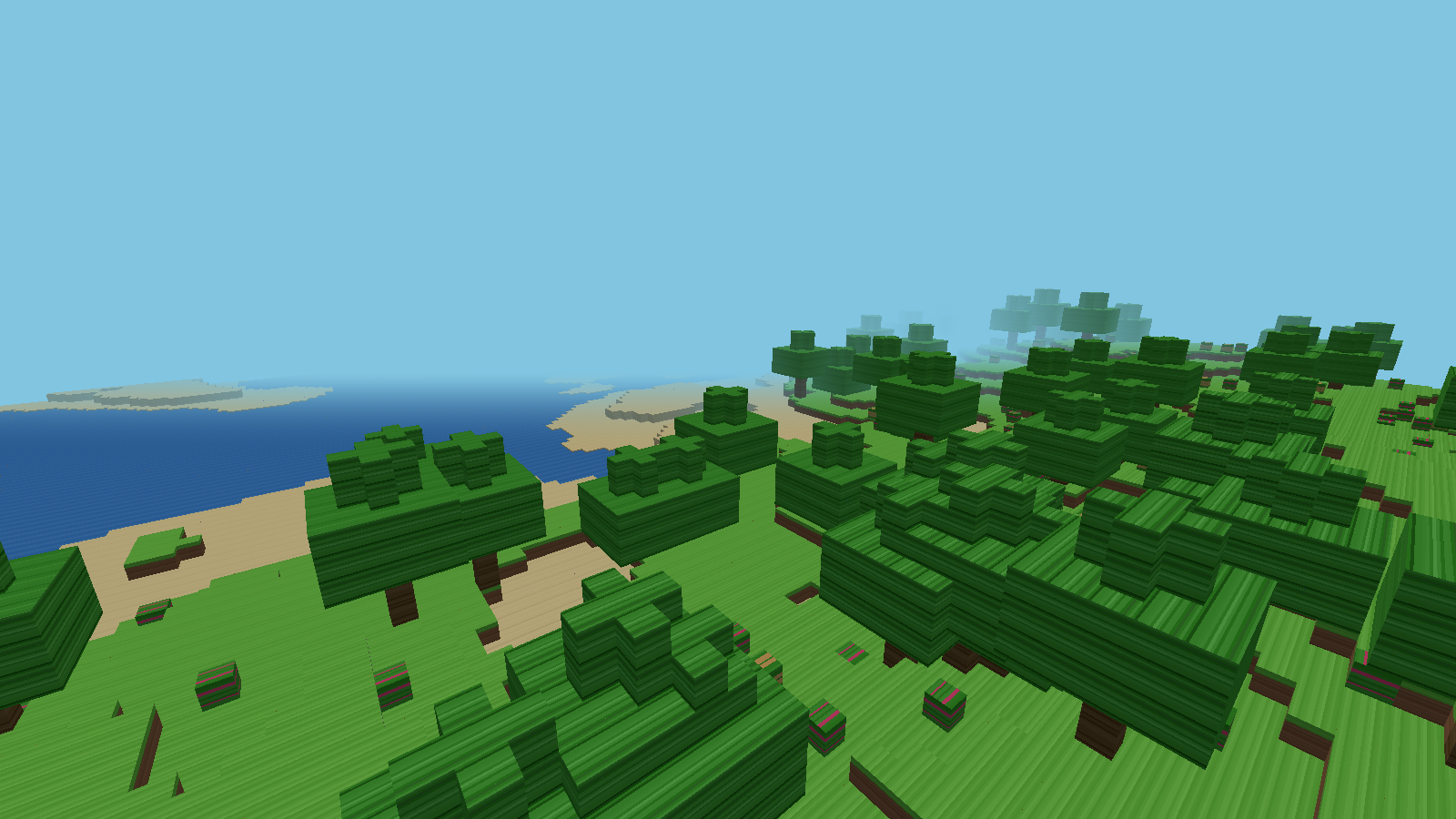
Better together
Start small. Dream bigger. Return to saved worlds and keep shaping your shared story.
A world within reach
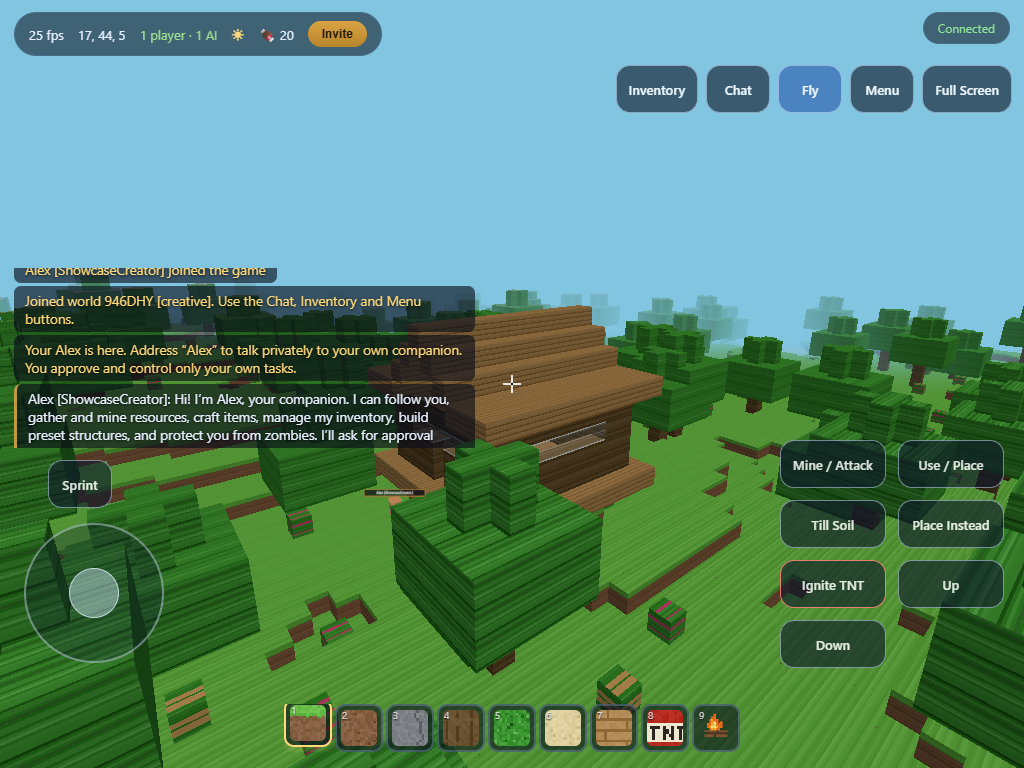
Keyboard and mouse on desktop. On-screen controls on tablet. Move, look, build, and chat with a layout you can adjust.
Try landscape on tablets. Adjust sensitivity, handedness, opacity, and rendering quality from the game menu.
Explore tablet controls →No launcher. No download.
Sign up or sign in on the game website.
Create a Creative or Survival world, or join a friend.
Explore, build, and discover what comes next.
Before you jump in
No. VerseCraft runs in your browser. You need an account to play.
Yes. Share an invite link or world code. Each world supports up to 10 human players.
Touch controls are available. Landscape is recommended. Browser compatibility and performance vary; physical iPad and Android testing is still pending.
Chat with Alex and discuss supported world tasks. Some tasks require plan approval. Availability depends on the server’s AI configuration; Alex cannot guarantee every requested result.
No. A wallet is not required to play. The optional profile wallet field currently stores an address only.
The User Manual covers keyboard shortcuts, flight, touch controls, blocks, crafting, and troubleshooting.
The first block is only the beginning
A quiet cabin. A sprawling village. Your next great adventure.
Play VerseCraft ↗